
Settings are available directly from the app’s main screen — just click the gear icon in the top-right corner.
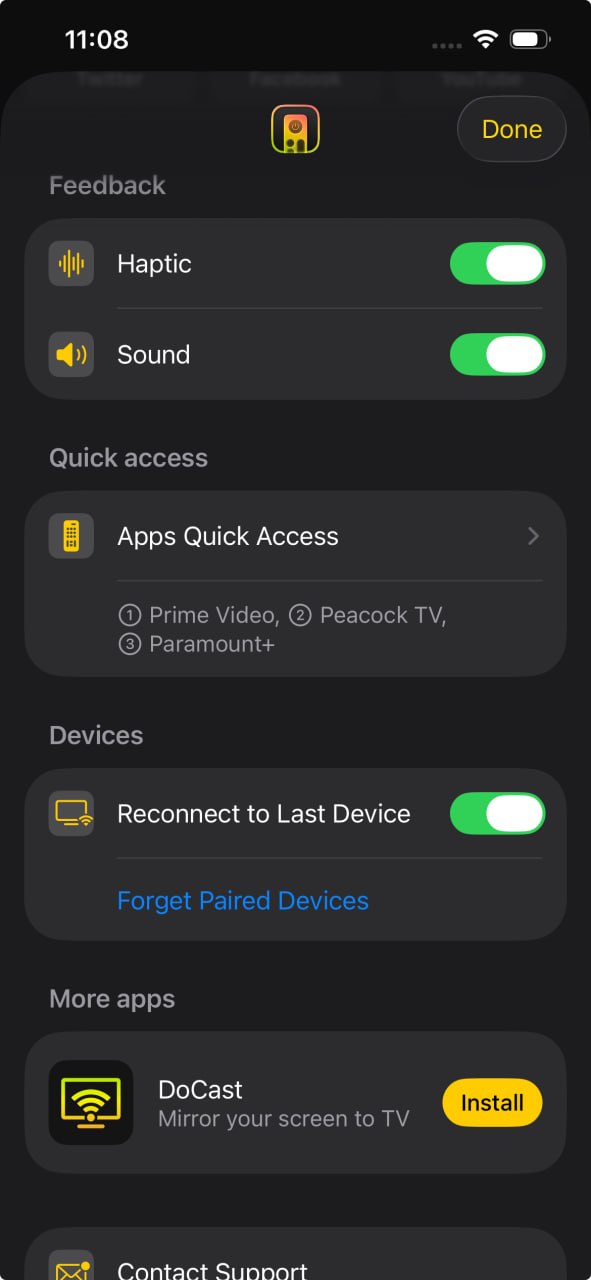 Haptic feedback — enables vibration feedback when pressing buttons on the remote.
Sound feedback — enables sound feedback when pressing buttons on the remote.
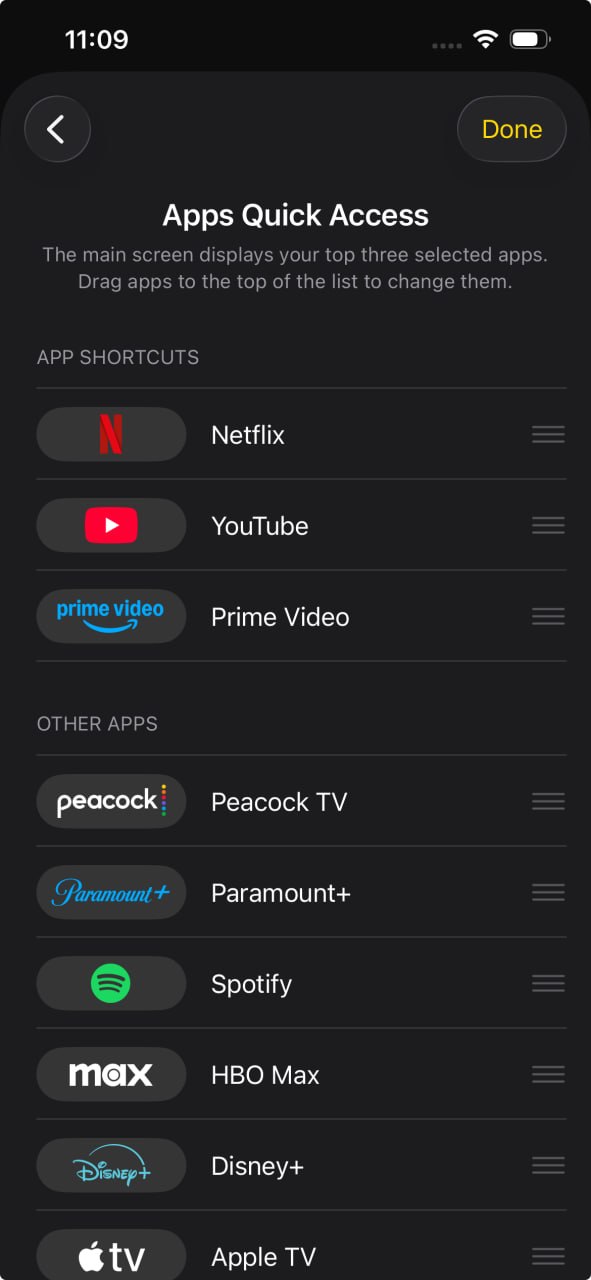 Apps quick access — allows you to change which apps appear on the main screen for faster access.
Reconnect to last device — if enabled, reconnects TVRem to the last connected TV automatically when the app launches.
Forget paired devices — disconnects the currently connected TV and removes all previously paired TVs from the saved devices list. To reconnect to a removed TV later, you’ll need to select it again from the device list and enter the pairing code if required.