
To use TVRem with your Roku device, you need to allow mobile app control on your Roku. If TVRem detects that this permission is disabled, you will see an instruction screen during setup explaining how to enable it. 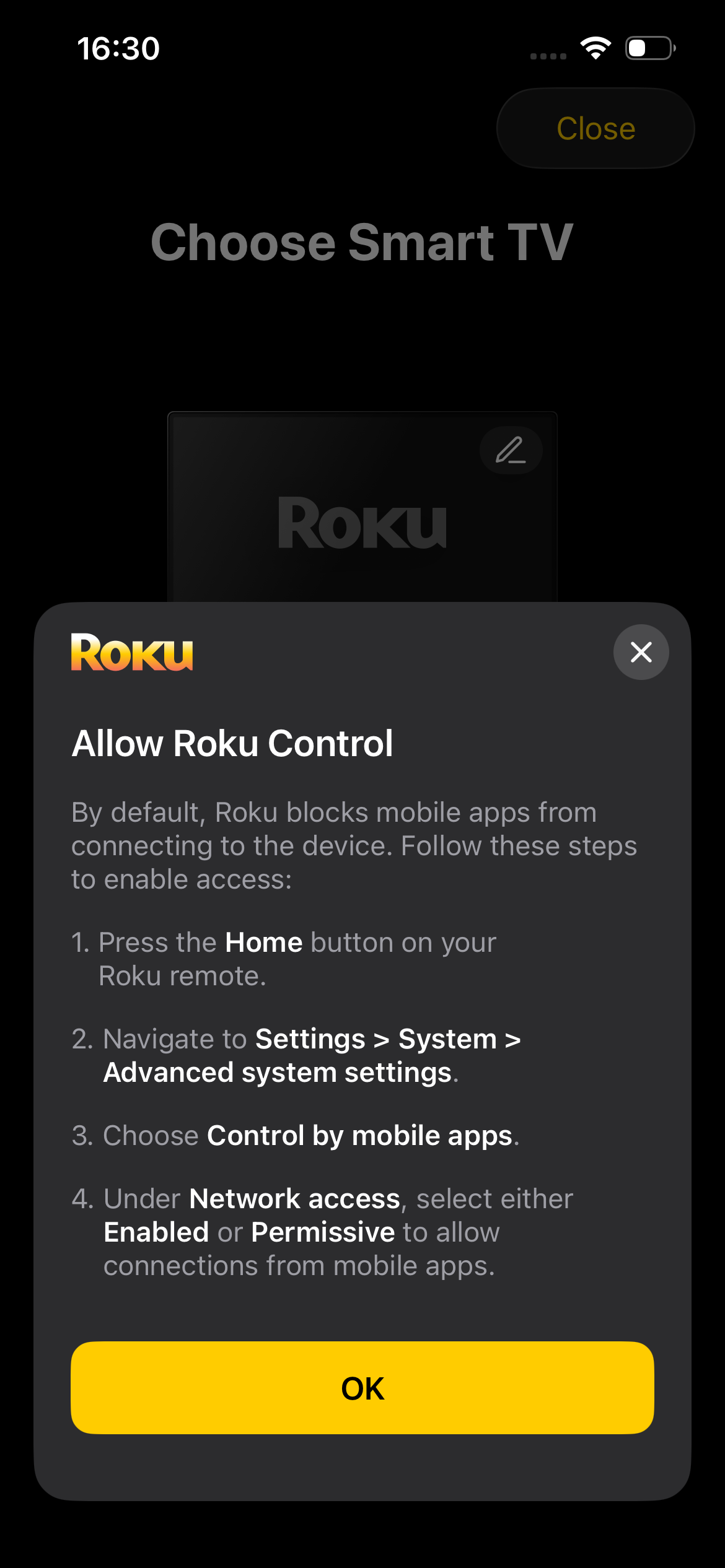 To allow control by mobile apps on your Roku device, follow these steps:
- Press the Home button on your Roku remote.
- Navigate to Settings > System > Advanced system settings.
- Choose Control by mobile apps.
- Under Network access, select either Enabled or Permissive to allow connections from mobile apps.